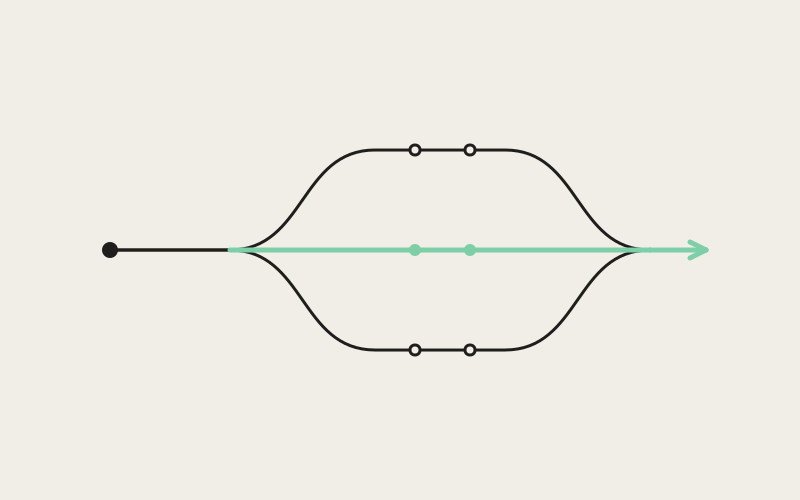
Every coding-agent CLI on the market reinvented the same idea — a reusable, packaged set of instructions an agent can call on by name — and gave it its own home, its own file shape, its own name: one convention for Claude Code, a different one for another CLI, and a third, provider-agnostic format that only some tools recognize. If your team runs more than one of these agents, which is increasingly normal, the same deployment checklist or code-review rubric either gets rewritten for each CLI or only works for whoever happens to have the "right" one open. Influxx's Skills page is our answer: one view that finds every skill, under every convention, everywhere it legitimately lives.
Five Conventions for One Idea
A "skill," in the vocabulary that's emerged across coding-agent CLIs, is a packaged, reusable capability — instructions, and sometimes supporting files, that an agent can pull in by name instead of a developer re-explaining the same context in every session. It's a genuinely good idea: write your team's deployment checklist once, or your code-review rubric, or the specific way your codebase wants error handling done, and let any agent session reach for it instead of re-deriving it from scratch or copy-pasting it into a prompt every time.
The problem is that "once" turned out to mean "once per CLI." Each agent provider built its own skills convention independently — its own folder location, its own file format, its own metadata shape. One CLI looks for skills in a folder tucked under your home directory. Another CLI uses a similarly shaped but differently located personal folder. A separate, provider-agnostic convention exists that isn't tied to any single vendor, and some tools honor it while others don't. None of this is wrong, exactly — every provider solved a real problem for its own users. But it means a team that has standardized on, say, Claude Code and a second CLI for different kinds of work is stuck choosing between maintaining the same skill twice or only having it available half the time.
One Skills Page, Every Convention at Once
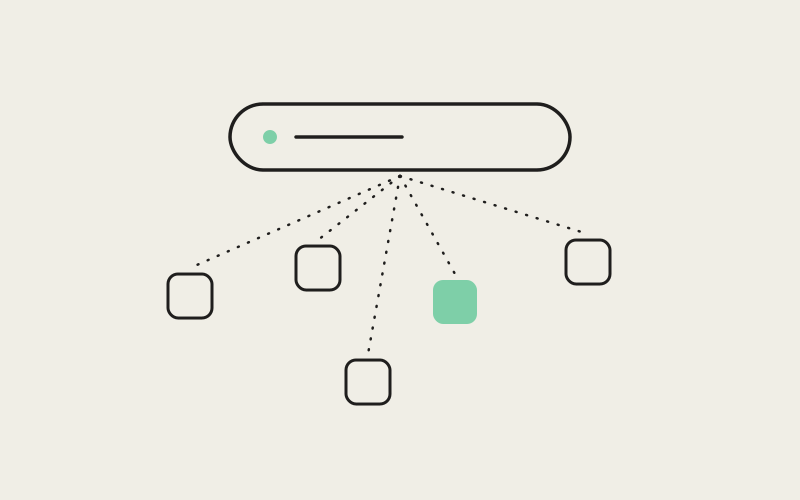
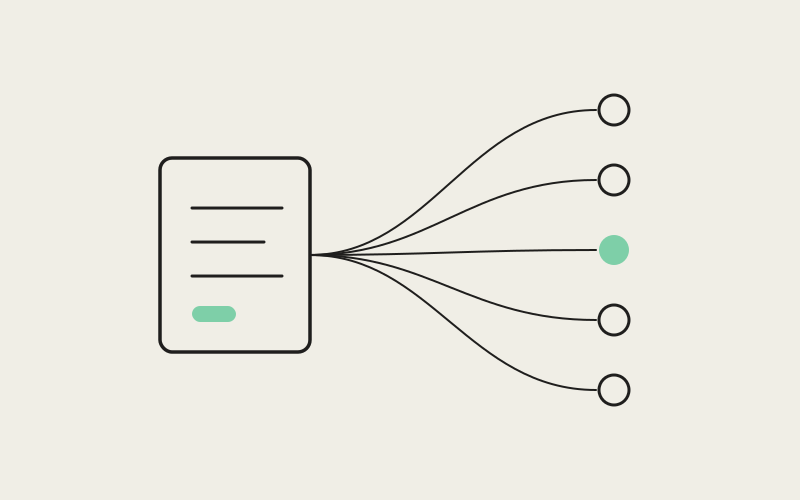
Influxx's Skills page doesn't pick a favorite convention and ask you to migrate to it. It scans for all of them, at once, and shows the result as a single consolidated list instead of a separate skills tab per CLI. Concretely, it looks in five kinds of places every time it builds that list: a per-user skills folder specific to one CLI provider; a similarly shaped per-user folder specific to a different provider; a provider-agnostic "Agent Skills" folder convention that isn't tied to any single vendor; skills that were cached locally because they came bundled with an installed plugin; and skills defined at the repository level — a project-local skills folder, in either provider-specific or provider-agnostic form, that can be checked into source control.
That last category is the one we'll spend the rest of this piece on, because it's the one that changes how a team actually works. But the immediate, simpler win is just not having to remember which CLI's settings hide which skill. Open the Skills page in Influxx and every skill you have permission to see — personal, bundled, plugin-provided, or shared by your team — shows up in one place.
What a Skill Card Tells You
Each entry in the list is a card, and the metadata on it is there to answer the questions you'd actually ask when you're staring at a skill you don't remember creating:
- Which convention it follows: whether it was discovered under a specific CLI's own skill format or the provider-agnostic one, so you know at a glance whether it's portable across agents or tied to a particular tool's expectations.
- Where it came from: a personal folder in your home directory, a specific repository, a bundled default that shipped with Influxx, or a plugin you installed.
- How big the package is: the number of files that make up the skill, since a skill can be a single instructions file or a small bundle with supporting scripts and references.
- When it last changed: so a skill nobody has touched in a year is visibly distinguishable from one your team is actively iterating on.
The Part That Changes How Teams Work: Repo-Level Skills
Personal skill folders solve a personal problem — they keep your own agents from forgetting how you like things done. Repository-level skills solve a team problem, and that's the more consequential half of this feature. Because Influxx scans a project-local skills folder as one of its regular sources, a skill defined there is just a file in your repository. It gets checked into version control like any other file. It shows up in code review like any other file. Everyone who has that repository open in Influxx sees it on their own Skills page automatically, with no separate installation step and no "did you get the email with the new checklist" moment.
That turns a skill from something one person maintains in their own home folder into something a team owns the same way it owns its linting config or its CI pipeline: in the repository, versioned, reviewable, and identical for everyone who clones it.
One Canonical Folder, Symlinked Everywhere
Some teams maintain more than one repository and don't want the same skill files copy-pasted across each one — that's the exact duplication problem skills are supposed to solve, just moved up one level. Because Influxx follows symlinks when it scans for repo-level skills, a team can maintain a single canonical skills directory and symlink it into every repository that should share it. Each project's skills folder becomes a pointer to the same underlying files rather than its own copy, so a fix or an addition to the canonical directory shows up everywhere it's linked, immediately, with nothing to keep in sync by hand.
Symlinks pointing at other symlinks are also how you accidentally build an infinite loop, so the scanner tracks the chain of directories it has already visited and stops the moment a link would lead back to somewhere it's already been, rather than hanging or crashing.
Why This Only Works Because Influxx Runs More Than One Agent
None of this would matter much in a single-agent tool. If everyone on a team used exactly one CLI, that CLI's own skills convention would already be a fine shared format, and a company could just standardize on it. The reason the consolidated Skills page exists at all is that Influxx's whole premise is running many different agent CLIs side by side, each in its own isolated git worktree, in one cockpit. A developer might have Claude Code running in one tab and a different CLI running in another, on the same repository, in the same afternoon.
We built skill discovery as one scanner that understands every provider's convention, instead of building a separate skills feature per agent CLI, specifically so that a shared, repo-level skills folder behaves identically no matter which CLI happens to be active in a given tab. The skills feature doesn't ask which agent is running before it decides what to show you. It reads the repository, finds what's there under whichever convention it was written in, and shows it — the same list, whether the tab in front of you is running Claude Code or something else entirely.
"The default outcome, if you don't design against it, is that a 'shared team skill' quietly becomes 'the skill that works if you happen to be running the CLI whoever wrote it prefers.' We didn't want Influxx to inherit that failure mode by accident, so skill discovery had to be one scanner that understands every convention, not a feature we bolted onto each agent integration separately."
— Amara Okafor, Head of Developer Experience at ETAPX
Keeping a Full-Repository Scan Fast
Scanning five different kinds of locations, including an entire repository, on every load is only a good idea if it stays fast — and a naive version of this feature would happily walk an enormous monorepo's directory tree looking for skill folders until the Skills page became the slowest thing you open in Influxx. So the scanner runs under a handful of deliberate caps rather than no limit at all: a maximum number of files a single skill package is allowed to contain, a maximum number of bytes it will actually read out of a skill's main definition file, and a limit on how many directory levels deep it will recurse while looking for skill folders in the first place. Plugin-cache locations get a somewhat deeper recursion allowance than a typical project directory, because plugins tend to nest their cached skills further down than a hand-authored repo skills folder does.
Every one of those numbers is a small, deliberate trade: on an unusually large repository, a skill buried far deeper than the recursion limit, or a package with far more files than the cap allows, won't get picked up. In exchange, the scan stays fast and bounded on every repository it runs against, including the genuinely huge ones, instead of being fast on small repos and unpredictable on large ones.
"We could have made the recursion limit unbounded and called it more thorough. In practice that just means the one enormous monorepo in the building decides how long everyone's Skills page takes to load. A fixed depth, a file-count cap per package, and a byte cap on the definition file mean the scan cost is predictable regardless of what repository you point Influxx at — and a skill that lives too deep to be found is a much better failure mode than a Skills page that hangs."
— Daniel Kwon, Staff Engineer, Agent Orchestration at ETAPX
Write It Once
The practical test for any of this is a skill your company actually has: a deployment checklist with the steps nobody wants to forget at 5 p.m. on a Friday, a code-review rubric specific to how your team wants pull requests read, a set of domain instructions for a codebase with real history and real quirks. Before, that document lived in whichever CLI's format someone happened to reach for first, and porting it to a second CLI's convention was its own small chore — one most teams just never got around to. With a repo-level skills folder that every provider's convention can read, and that Influxx surfaces the same way regardless of which agent is active, writing it once is no longer aspirational. It's just where the file already lives.
"We have a deploy skill that used to only exist for the one CLI our lead used. Now it's checked into the repo, and it doesn't matter if I open the project with Claude Code or one of the other agents in rotation — the same checklist shows up. I stopped asking whether a given CLI even knew about our rubric and started just trusting that it does."
— Marisol Vega, senior backend engineer and daily Influxx user
Frequently Asked Questions
What exactly counts as a "skill" that Influxx will pick up?
Any packaged, reusable capability defined the way an agent provider already expects — typically a folder with a main instructions file, and sometimes a few supporting files, that a CLI can call on by name instead of a developer re-typing the same context every session. Influxx doesn't define a new format of its own; it recognizes the formats agent providers already use, including the provider-agnostic "Agent Skills" convention.
Do I have to rewrite my existing skills to make them show up in Influxx?
No. The Skills page reads each skill in whatever convention it was already authored under — a specific CLI's own format or the provider-agnostic one — and shows it as-is, including which convention it followed. There's no conversion step and no Influxx-specific format to migrate to.
How do I actually share a skill with the rest of my team?
Put it in your repository's skills folder, in either a provider-specific or provider-agnostic form, and commit it like any other project file. Anyone who opens that repository in Influxx sees it appear on their own Skills page automatically — no separate install step, no email with an attachment.
Can two or more repositories share the exact same skill files instead of separate copies?
Yes. Influxx follows symlinks when it scans for repo-level skills, so you can keep one canonical skills directory and symlink it into every repository that should use it. A change to the canonical directory shows up everywhere it's linked. Cycle detection stops the scan safely if a symlink chain ever loops back on itself.
Does scanning a huge repository for skills slow down opening it in Influxx?
It's designed not to. The scanner caps how many files a single skill package can contain, how many bytes of a skill's main definition file it will read, and how many directory levels deep it will recurse looking for skills, with a deeper allowance specifically for plugin-cache locations. The trade is that an outlier skill package buried unusually deep might not get picked up — in exchange, the scan stays fast and bounded on every repository, including the largest ones.
Does it matter which CLI is active in a tab for a shared skill to show up?
No. Skill discovery is one scanner that understands every supported provider's convention, rather than a separate skills feature built per agent. A repo-level skill shows up the same way whether the tab in front of you is running Claude Code or a different agent entirely.
None of this required inventing a new skills format, and that was the point — the fix wasn't a better convention to replace the other five, it was a consolidated view that respects all of them and a repo-level folder that any of them can read. A skill your team writes once, checked into the same repository as the code it governs, is now genuinely available to whichever agent CLI is running in whichever tab someone happens to have open.